 Volt
VoltOpen a game and it's already playing
Build is your slot in its window, at a real screen size, with everything in it one click away: its art, its layers, the round it plays next.
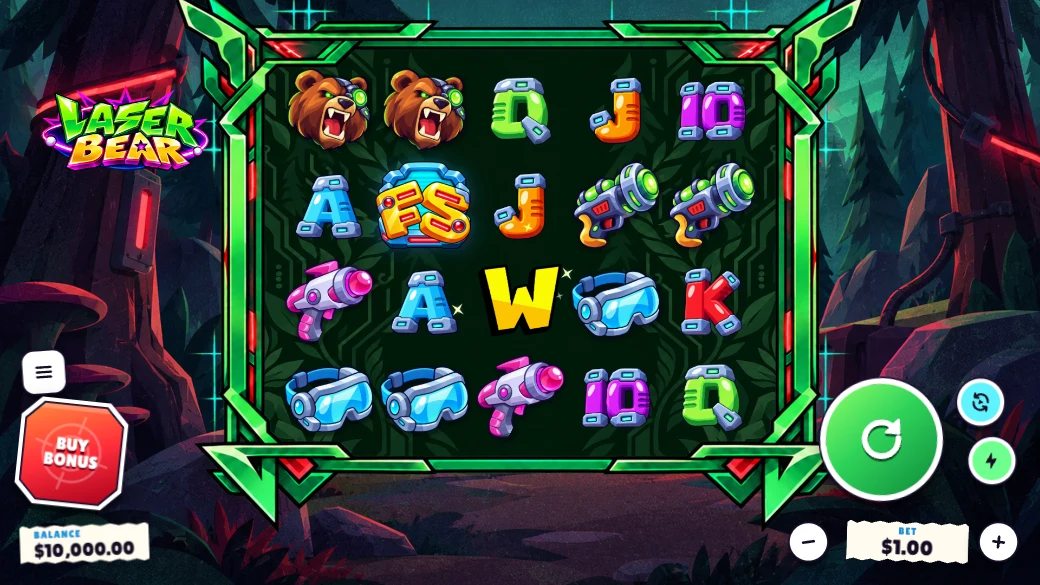
Pick the round. Watch it play.
Screens lists everything the game can show: live play, a no win, each free spins trigger, every win tier, the biggest round in its books, a bonus buy. Pick one and the next spin plays it, in every open window.
- Replay the last round again, in every window (R).
- Keep a round in Saved rounds and name it (K).
- Pause and step through a round one event at a time.
Every size, side by side
The game always runs at a real screen size, scaled to fit and never stretched. Add Phone, Landscape or Tablet beside Desktop, or all of them, and the same round plays in each.
- Desktop HD 1920 × 1080 by default; devices and custom sizes from the window's +.
- One title bar per window: change, rotate or remove a size from its menu.
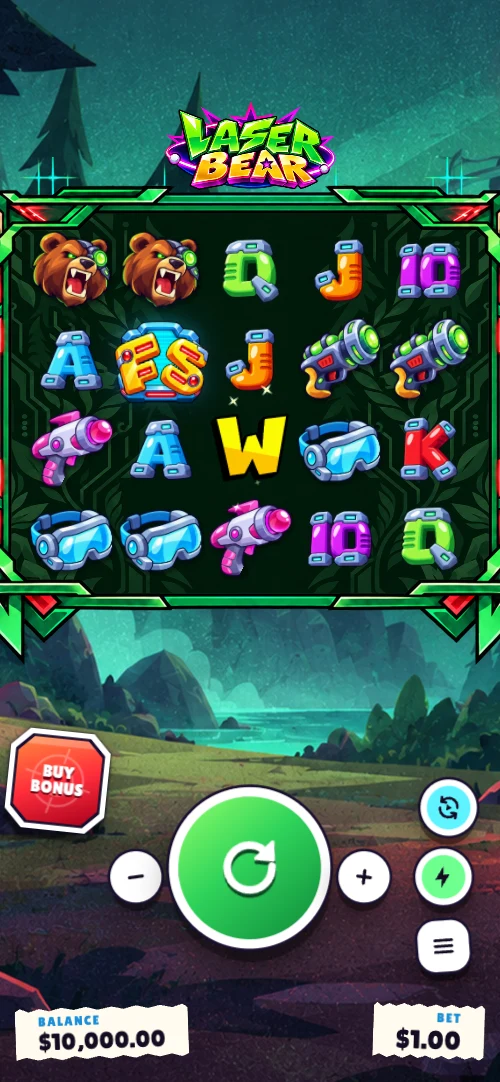
Everything in it has a slot
Background, frame, logo, character, symbols, popups: each has a place it goes. Assets shows the game's art as tiles, Layers shows what's on the screen, and Properties shows the selected layer's art, size and motion, at wide and portrait.
- Slotted, not dragged. You fill slots and pick options; nothing to nudge into place.
- Inspect (V): click art in the game to select it.
- Overrides on a template are marked, and one click from reverting.
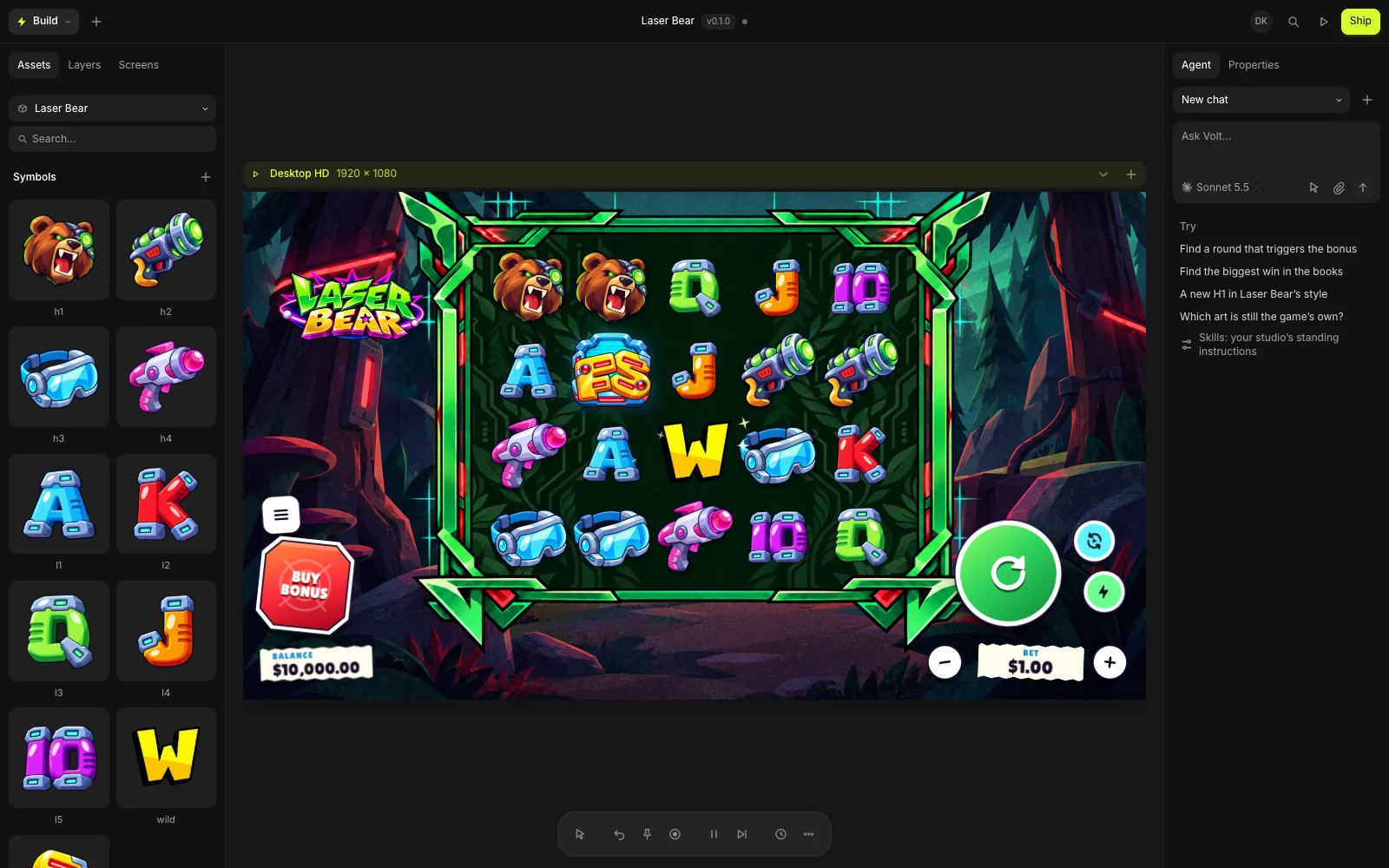
The tools a slot developer reaches for most
Recent rounds, round events and the session's numbers, from the play bar.
Edit a timing and the round you were watching plays again.
Build plays your game's real front end, not a mock-up of it.
Import exports; clips play in the game near their own speed.
Save a version and see exactly which values changed.
Search every command, setting and screen, or ask the agent.